Selling an NFT
Note: As of February 2023, merchants are required to complete an NFT Sales Eligibility Form to sell NFTs through Shopify Payments.
-
After the NFT has been created and published, navigate to the
Published NFTstab. Alternatively, you can also navigate to this page through the taskbar above as well.On your dashboard, you will see your newly published NFT and its current status.
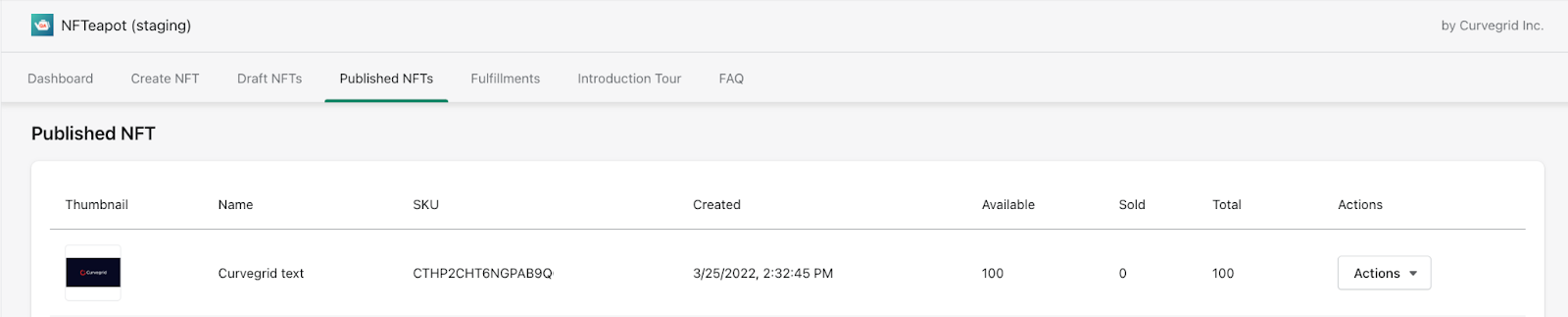
- Under the
Actionstab, click the dropdown menu for your selected NFT and clickView Product.
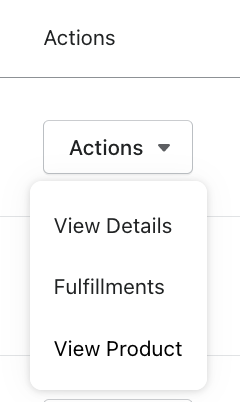
- Once you are on the
View Productpage, navigate toProduct statuson the right hand side. Click on the dropdown menu, and change your product status fromDrafttoActive. Remember to select a sales channel you would like to sell your NFT on.
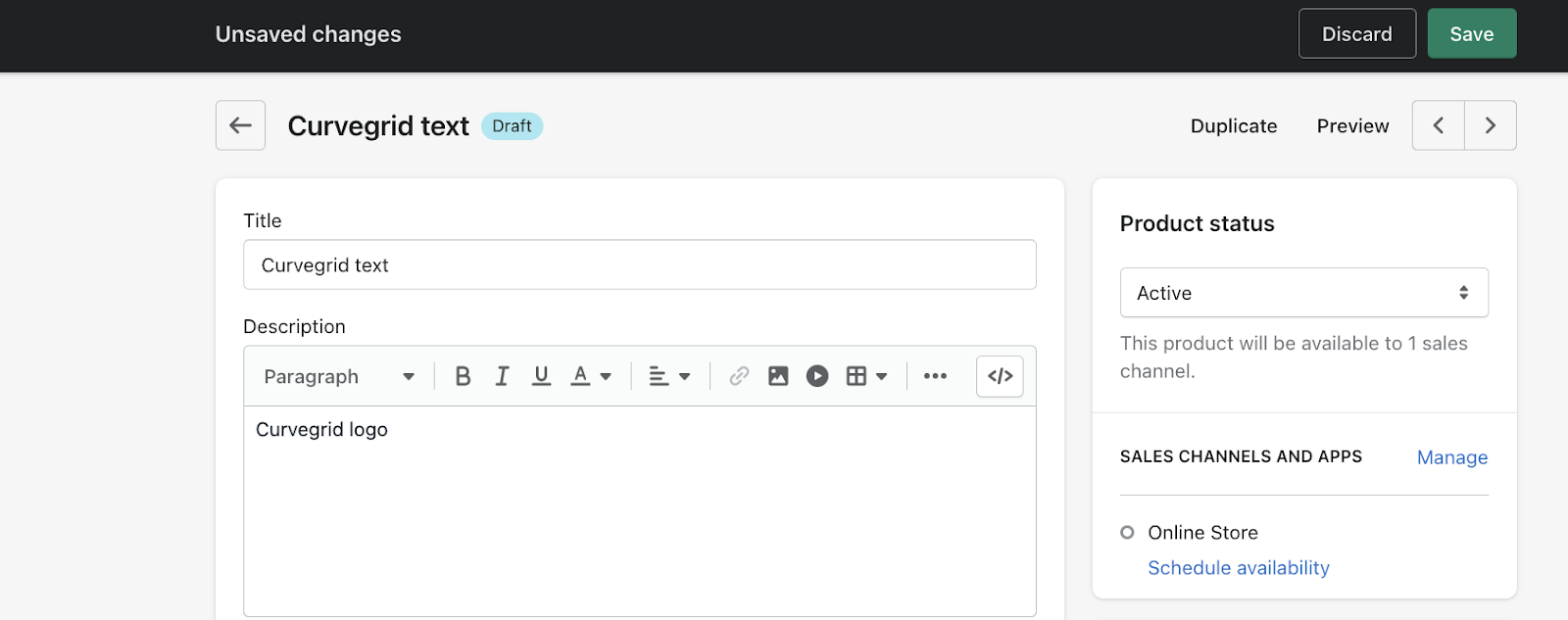
-
Next, ensure that your inventory is stocked at
NFTeapotunder the Inventory section of the product view page.Once you're all done, don't forget to save your work.
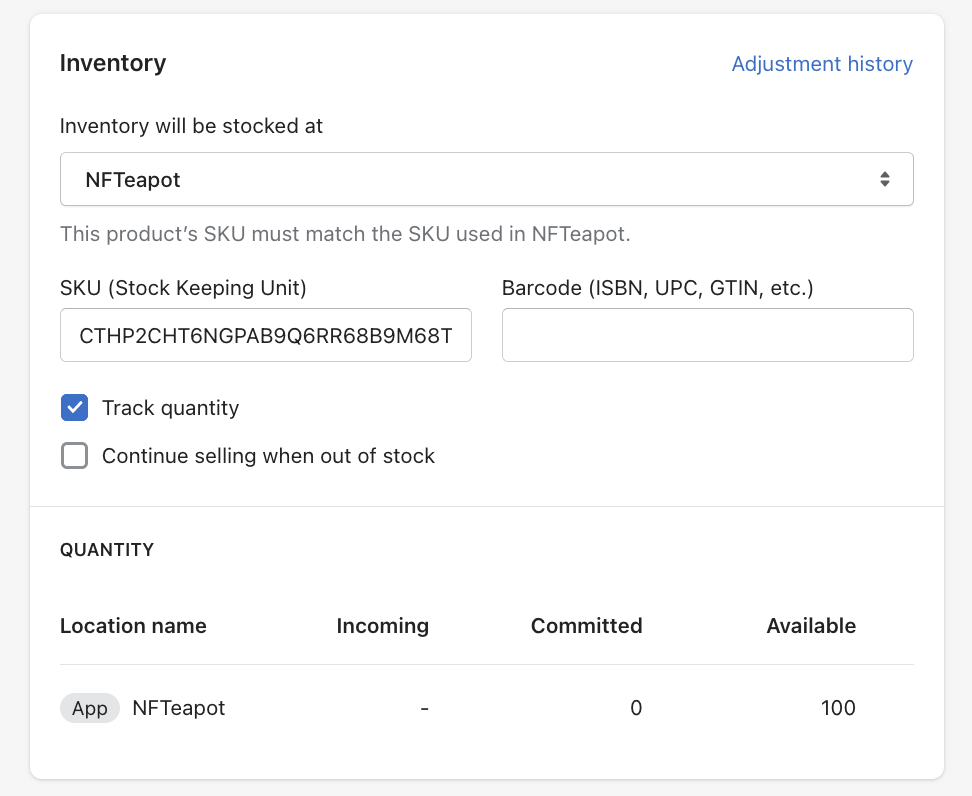
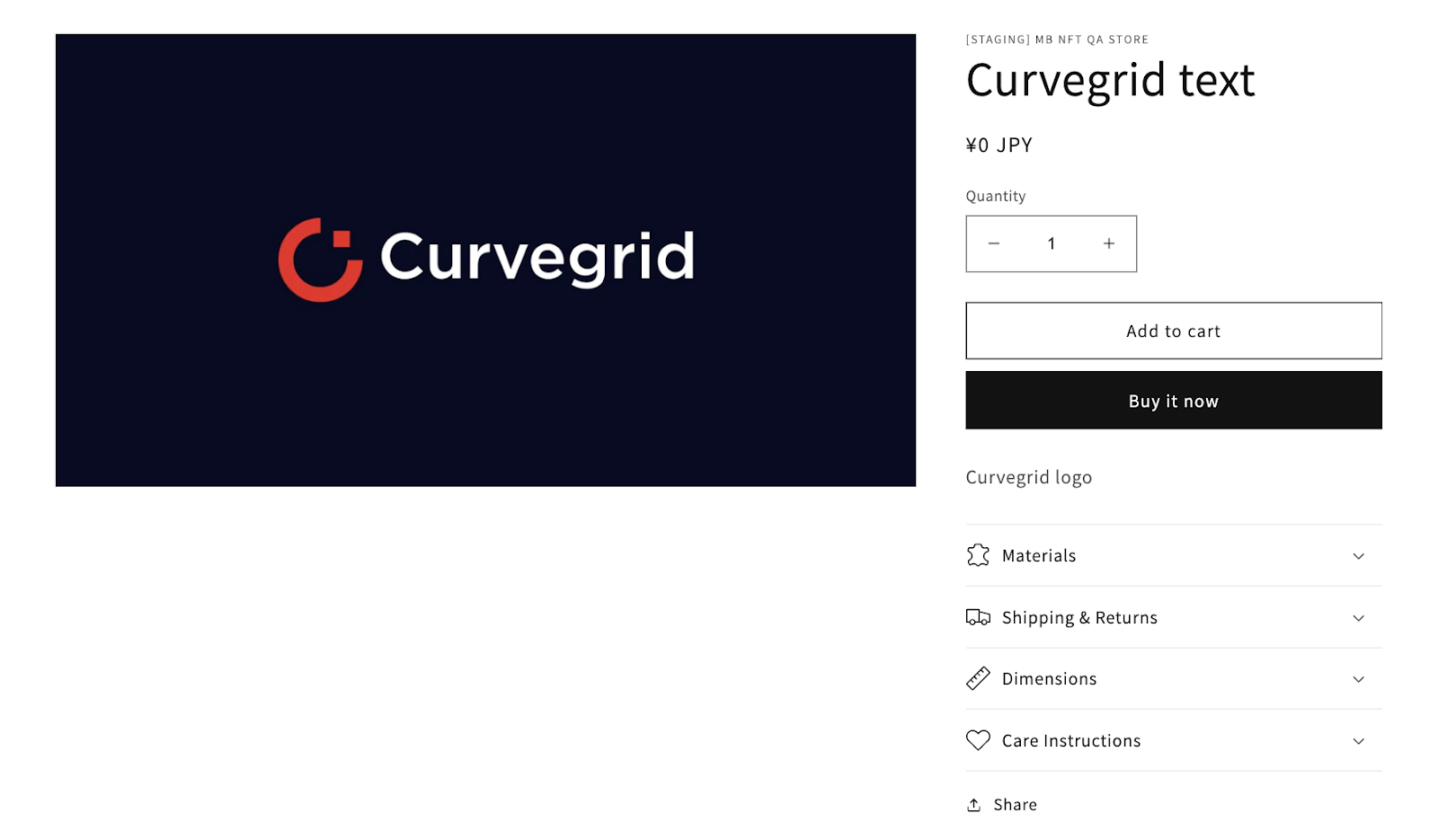
- After the settings have been applied, your NFT will now be available in the selected Shopify store and channel.
- We recommend you add a note to your customer documentation and order confirmation email that they will be receiving an additional email from no-reply@shopify.multibaas.app with instructions on how to mint their NFT. This is the only method we provide to claim an NFT.